
Use a Backup Code
- 1.Sign in with your email and password.
- 2.At Two-factor authentication, enter a backup code instead of the 6-digit code.
- 3.Select Verify.
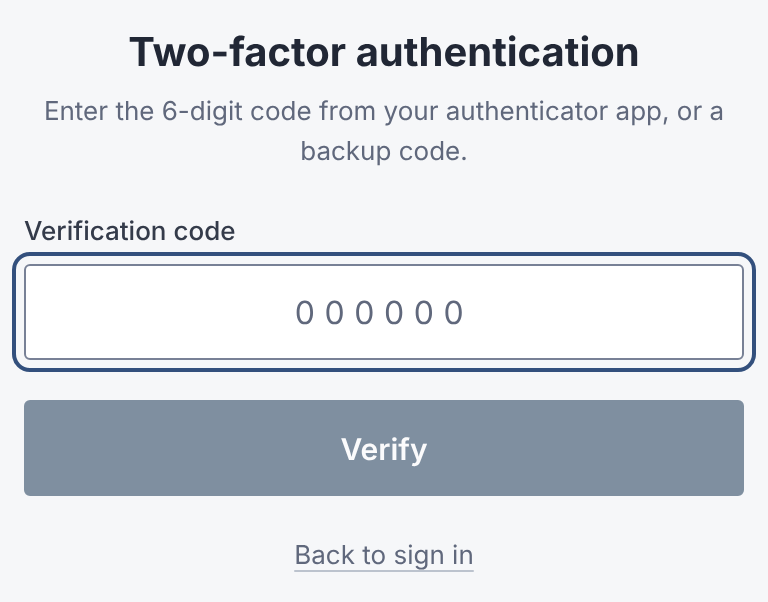
You saved these codes when you set up two-factor authentication.
Check How Many Are Left
Open User Settings, then Manage next to Two-factor authentication.
The page shows how many backup codes you have left.
If You Have No Codes Left
Email support from the address you sign in with.
Our team can reset two-factor authentication on your account. You then set it up again with your new phone.
Deal and organization administrators can't reset it for you.
We will never ask you to send a backup code or sign-in code. Don't share them with anyone.
Questions
- How many backup codes do I get?
- 8. Each one signs you in once.
- I have a new phone and my old one still works. What should I do?
- Turn two-factor off with a code from the old phone, then set it up again on the new one.