
Change Your Name or Title
- 1.Open your name at the bottom of the sidebar, then User Settings.
- 2.Under Profile, edit Name or Title.
- 3.Select Save, which appears once you change something.
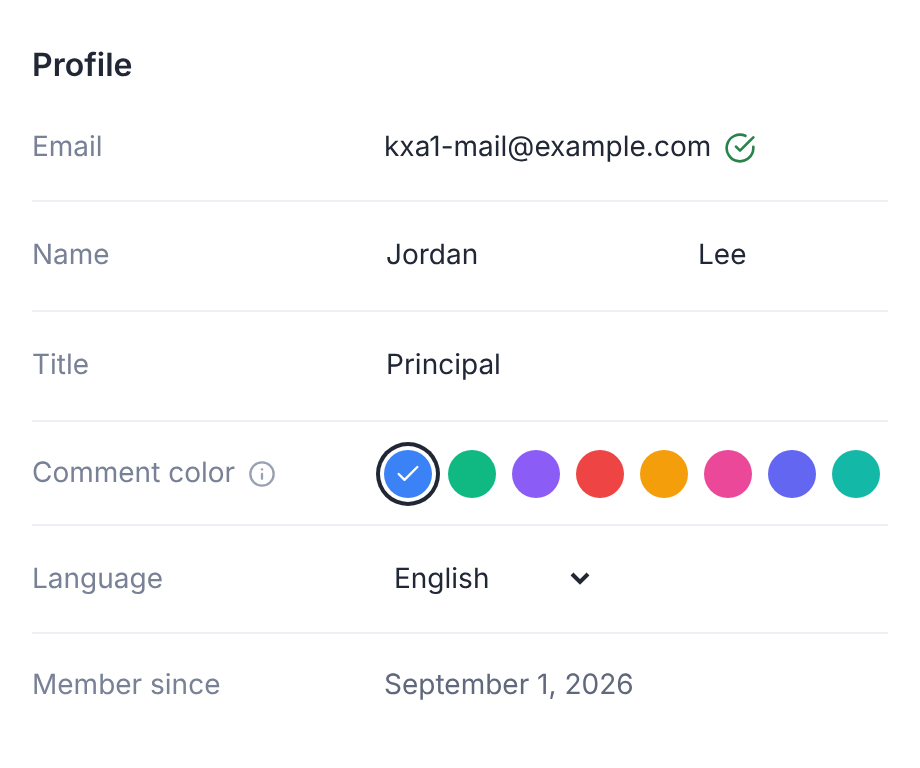
Other members of your deals see your name as you set it here.
Choose Your Language
Under Language, choose English or Español.
The app switches as soon as you choose, and remembers your choice.
Set Your Time Zone for Email Digests
Inside a deal room, User Settings also shows Email notifications.
Set Digest timezone there. Daily and weekly digest emails are sent at 8:00 in that time zone.
Your Email Address
Your email address shows in Profile, but you can't edit it there.
To use a different address in a deal, ask the deal team to invite that address.