
Reset From the Sign-In Page
- 1.Go to your sign-in address.
- 2.Select Forgot password? beside the password box.
- 3.Check your email address, then select Send reset link.
- 4.Open the email and select its link within one hour.
- 5.Enter a New password of at least 8 characters, and type it again in Confirm new password.
- 6.Select Reset password, then sign in with your new password.
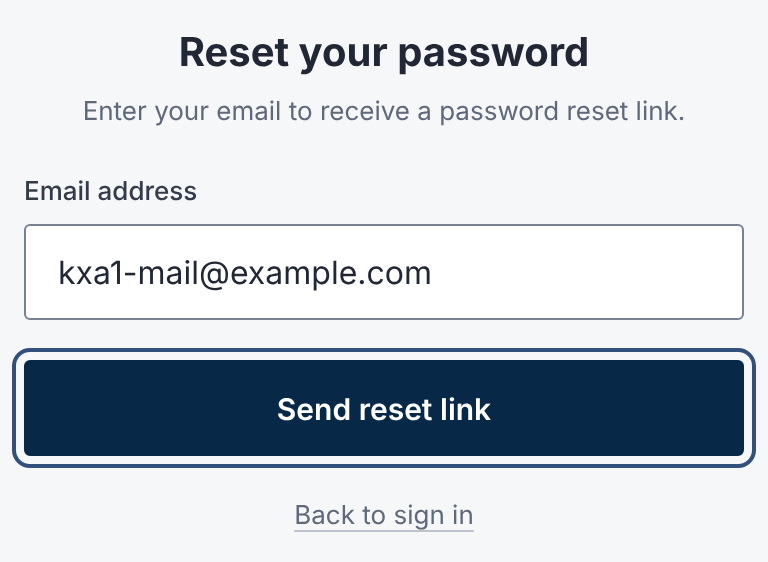
The sign-in page always says a link has been sent, whether or not the address has an account. That keeps account addresses private.
Change It While Signed In
- 1.Open your name at the bottom of the sidebar, then User Settings.
- 2.Under Security, next to Password, select Send reset link.
- 3.Follow the emailed link, as above.
Separate Deal Passwords Stop Working
Some deal rooms once used their own password.
Resetting your account password retires those. Use your new password in those rooms too.
If the Reset Email Doesn't Arrive
- Check your spam and junk folders.
- Make sure you typed the address your invitation went to.
- Wait a few minutes before asking again. You can ask for 5 links every 15 minutes.
- If the link says This reset link isn't valid, it expired or was already used. Ask for a new one.
Questions
- How long does the reset link last?
- One hour, and it works once.
- What makes a valid password?
- At least 8 characters.
- Can my deal's administrator reset my password?
- No. Deal and organization administrators can't set your password. Use the emailed link.