
Ask From the Q&A Page
- 1.Select Q&A in the sidebar.
- 2.Select Ask Question.
- 3.Type your question in Your Question. It can be up to 5,000 characters.
- 4.Choose a Category, if the deal lists any, and a Priority: Low, Normal or High.
- 5.Select Submit Question.
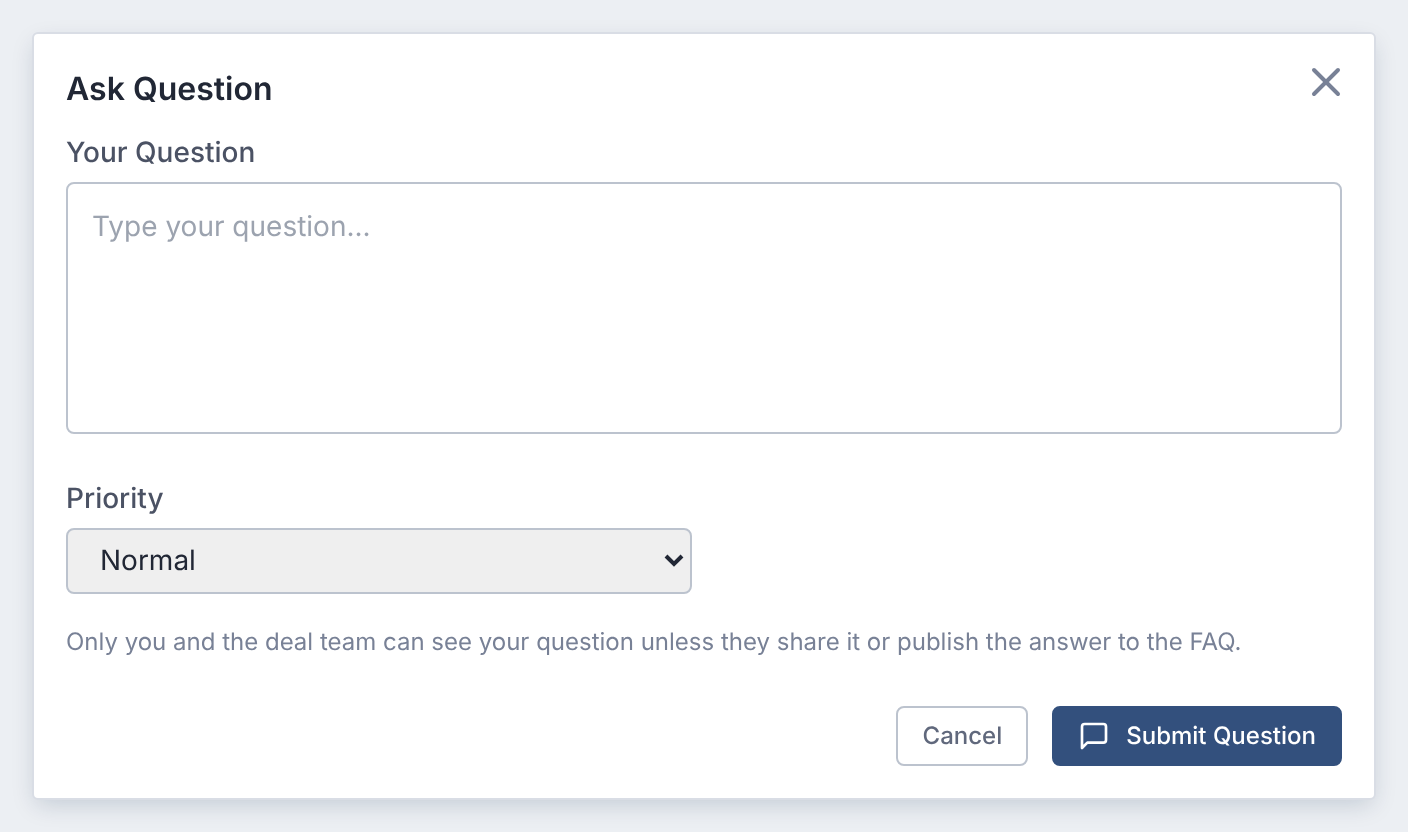
The deal team is notified. You'll hear back in the question's conversation.
Ask About a Document or Checklist Item
Start from the thing you're asking about. The question is then linked to it.
- In a document: select the speech-bubble icon in the viewer's toolbar, or Ask question in the side panel's Questions section.
- On a checklist item: open the item and select Ask Question in its Questions section.
The form shows Asking about: and the document or item's name.
You can also select Ask Question in the data room toolbar or on the dashboard. Those questions aren't linked to anything.
Who Sees Your Question
Only you and the deal team that answers questions.
Colleagues from your own company don't see it either.
The deal team may share a question with everyone who can ask questions. Or it may publish the answer to the FAQ, without your name.
You always see your own questions under My questions.
Question Limits
Some deals cap how many questions each participant can ask.
A cap can be per day, week or month, or a total for the deal. Withdrawn and closed questions count toward it.
At the limit, submitting shows Question limit reached, with the limit that applies. Contact the deal team if you need to ask more.
If You Don't See Ask Question
- If the page says Q&A is not enabled for this deal, the deal team hasn't turned Q&A on.
- If you see only Published FAQ, your access lets you read the FAQ but not ask questions.
Either way, ask the deal team. They decide what each participant can do.
Questions
- Can other bidders see my question?
- No, unless the deal team shares it or publishes its answer to the FAQ. The FAQ never shows who asked.
- How do I ask many questions at once?
- Import them from a spreadsheet. See Import Questions From a Spreadsheet.