
The Review Queue
Filter by Requests, Questions, Checklist Assignments, Flagged Files or Ready to Close.
Sort by Date added or User. Export saves what's listed as CSV.
To hide a row for yourself, point to it and select the Hide icon.
Hidden lists what you've hidden. Select Restore to bring a row back.
You're all caught up means nothing is waiting.
Work Through a Flagged File
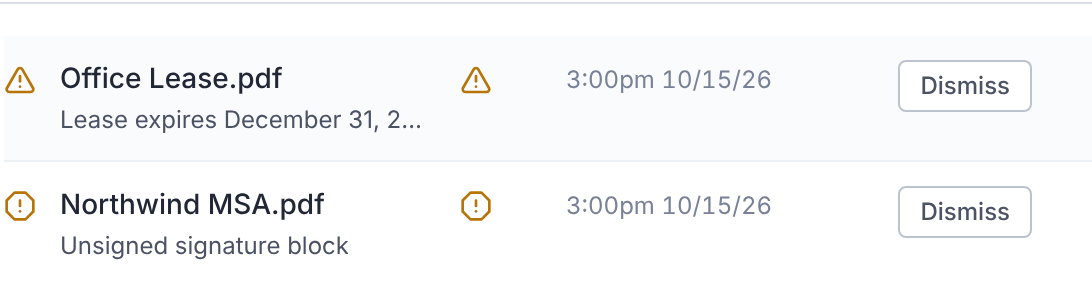
Each row shows its main action, such as Dismiss. The rest are under More actions (⋯).
- Review findings opens the document's findings.
- View in Deal Signals opens the related signal.
- Dismiss or Dismiss all clears its signals, with a reason.
- Reprocess File runs review again.
Dismiss a Finding
- 1.In the document's AI findings, select Dismiss this finding.
- 2.Choose a Reason: Not relevant, Incorrect, Duplicate or Other.
- 3.Write a Note. It's required, and becomes part of the deal record.
- 4.Confirm.
Select Restore this finding to bring it back.
Checklist Matches
Under Checklist Assignments, select Accept to file a document against the suggested item, or Review match to check it first.