
The Sections
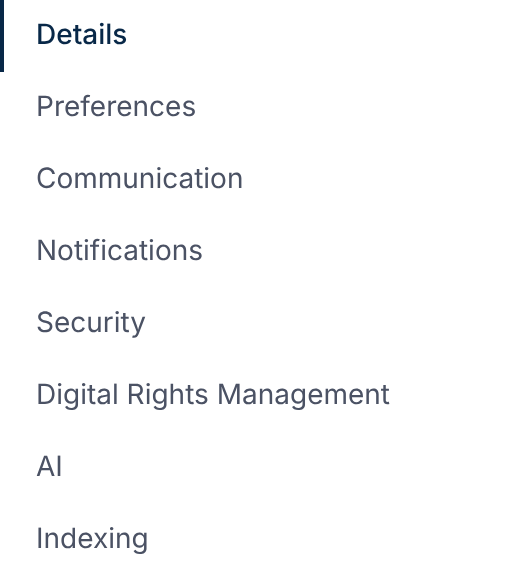
| Section | What's in it |
|---|---|
| Details | Deal name, description and deal type. Changing the type re-checks the deal's signals. |
| Preferences | Show empty folders, and whether files show their filename or AI title first. |
| Communication | Enable Q&A and its categories, Enable Requests, Discussions, and the welcome note. |
| Notifications | The master switch, default email frequencies, digest hour and storage alert. |
| Security | Require Two-Factor Authentication. |
| Digital Rights Management | Protect documents with DRM, Lock DRM and the license policy. |
| AI | AI review and its agents, the Assistant, and Deal Signals. |
| Indexing | Rebuild the document and checklist indexes. |
Defaults for New Deals
New deals start with AI review, the Assistant, Deal Signals, Q&A, Requests and Discussions on.
Two-factor and DRM start off.
Learn More
- Set a Deal's Notification Defaults
- Require Two-Factor Authentication for a Deal
- Turn On DRM
- How AI Review Works
- Organize Folders and Index Numbers
The deal's address, freeze and archive are in your organization's deal settings. See Change the Deal's Address.