
The Data Room Views
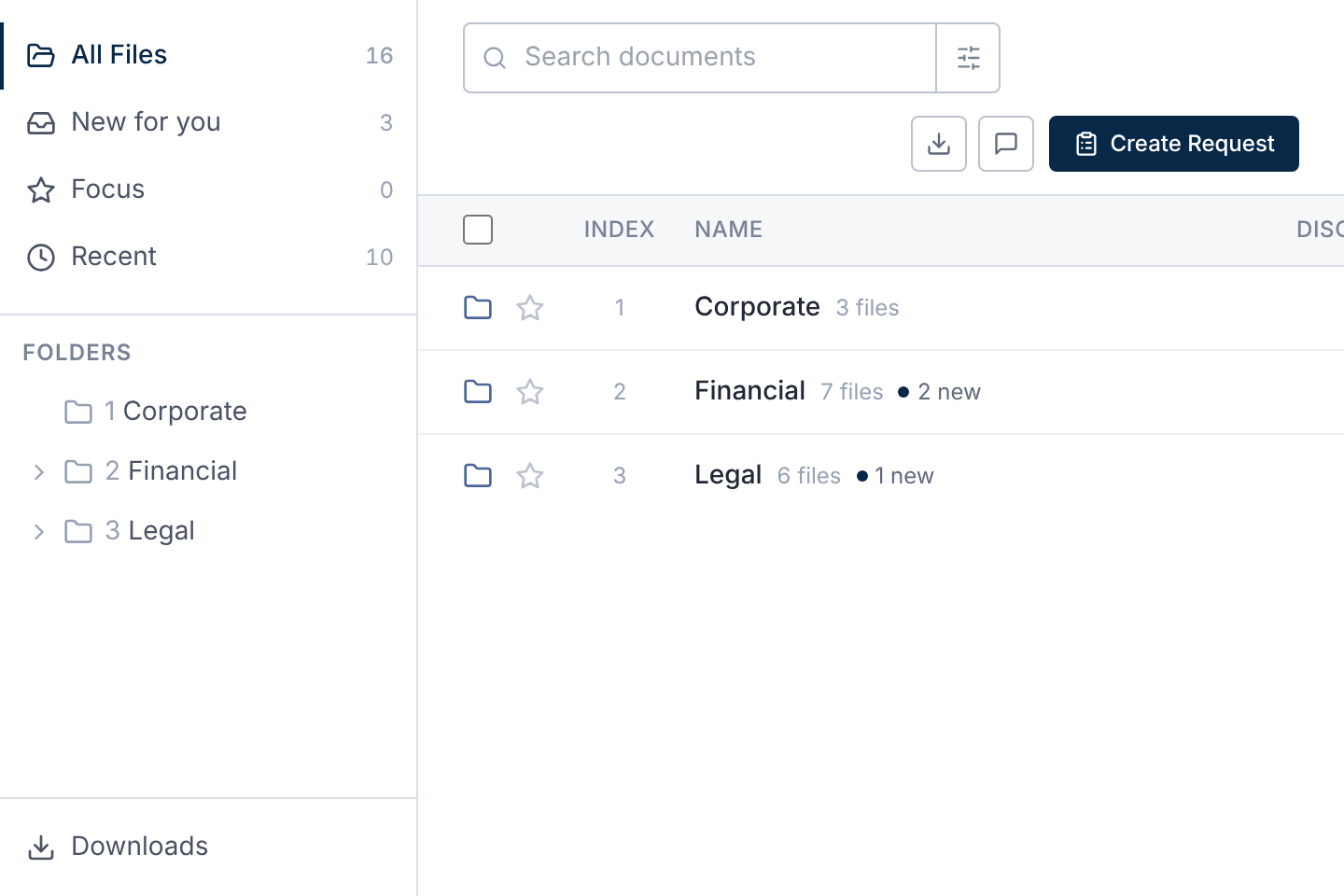
| View | What it shows |
|---|---|
| All Files | Every folder and file you can see, in index order. |
| New for you | Files that are new or updated since you last opened or downloaded them. |
| Focus | The files and folders you've starred. |
| Recent | The 10 files updated most recently, among those you can see. |
| Needs Attention | Files with open questions or requested changes, among others. Shown only when there's something in it. |
Each view shows a count. Downloads sits below the folder tree, if you can download in bulk.
Folders and Index Numbers
Every folder and file has an index number, such as 1.2.3. Folders list before files.
Select a folder to open it. The trail above the list leads back up, starting with the deal's name.
Folder rows show how many files they hold, and how many are new to you.
Sort the List
Select a column heading, such as Index, Name or Date, to sort by it.
Select it again to reverse the order, and a third time to go back to the usual order.
Your sort is remembered. Date is when the current version arrived.
To filter the list or choose its columns, see Filter, Sort and Save Views of the File List.
Star Files for Focus
Select the star beside a file or folder to add it to Focus. In a document, choose More options → Add to Focus.
The Welcome Note
Some deal teams leave a Welcome note above the list. Close it with its X.
It stays closed for you, unless the deal team changes it.
Questions
- Why do I see different folders from my colleague?
- Each member sees what their access allows. The deal team decides this, folder by folder.